
Quick Summary
When a gate remote is not working, the failure is frequently caused by simple issues such as depleted batteries, radio-frequency interference, safety sensor obstructions, or lost programming rather than complete operator breakdown. Ironworks Gate Co. outlines a systematic troubleshooting process to help property owners inspect batteries, check antenna lines of sight, clean sensor lenses, and test alternative access controls. Readers will understand how to resolve basic transmitter glitches safely on their own and identify when to contact Ironworks Gate Co. for professional diagnostics on receiver boards and electrical components.
Gate Remote Not Working: Troubleshooting and Repair Guide
When you press your driveway gate clicker and nothing happens, the issue may be simpler than a motor breakdown. A depleted battery is a possible cause when a gate remote stops working. In other instances, the remote signal may not reach the receiver properly or the gate operator may be responding to an obstruction or radio-frequency interference.[1]
Before replacing equipment or scheduling service, review these troubleshooting steps recommended by Ironworks Gate Co. Please note: the provided research does not establish repair rates, same-day service availability, or universal diagnostic procedures. See also Gate Repair Richardson Tx – Call Now-10% Off – On-Site in 60 Minutes – Free Estimate.
Gate Remote Troubleshooting: Overview and Solutions
Quick Diagnostic Summary: If your gate remote is not working, begin by checking the remote battery and testing the remote close to the gate. Testing an alternative control, such as a keypad or another programmed remote, can help narrow the problem toward the remote or receiver, though it does not conclusively rule out other operator faults. If the gate still fails to operate, obstructions, interference, or power issues may be present.
Troubleshooting involves checking the transmitter, testing for interference, and verifying safe system operation.
What to Check First
- Battery and Polarity: Verify that the correct replacement battery is installed and oriented with the proper polarity.
- Range and Obstructions: Test the remote near the gate to check for physical obstructions or range limitations.
- Alternative Controls: Test another programmed remote to help determine whether the issue is isolated to a single transmitter.
When to Call for Professional Assistance
Professional assistance is advised for opening control cabinets, handling wiring, working around high-voltage circuits and moving mechanisms, or replacing the receiver. High-voltage components and mechanical gate systems present safety hazards that require qualified service personnel.
What You May Need Before Troubleshooting Your Gate Clicker
Gather basic supplies before testing remotes:
Basic Tools and Supplies
- Correct Replacement Battery: Ensure you have the appropriate replacement battery recommended for your specific remote model.
- Small Screwdriver: A precision tool to open the remote casing if required.
- Operator or Receiver Manual: Reference documentation for model-specific programming steps and safety instructions.
Safety Precautions Around Automated Driveway Gates
Automated driveway gates contain moving mechanisms that can cause severe injury. Keep clear of moving parts, drive tracks, and gates during testing. Do not attempt cabinet access, wiring inspections, or electrical repairs without professional guidance, especially around high-voltage circuits.
Step 1: Inspect and Replace the Gate Remote Battery
A weak or dead battery may cause transmission failure. Even if an indicator light turns on, the battery may not have sufficient power to transmit a reliable radio signal to the receiver.
Testing and Battery Replacement
- Open the remote casing using the appropriate tool.
- Inspect the battery contacts for dirt or corrosion.
- Install the correct replacement battery, making sure to verify polarity.
- Test the remote close to the gate to evaluate its operation.
Cleaning Battery Contacts
If contacts show signs of residue, clean them gently and ensure they are dry before inserting a fresh battery. According to Ironworks Gate Co., if the remote has suffered internal physical damage or moisture intrusion, replacement may be necessary.
Step 2: Check for Radio-Frequency Interference and Antenna Issues
Radio-frequency interference can reduce operating range. If your clicker operates only at very close range, surrounding electronic noise or physical obstacles may be interfering with the signal.
Potential Sources of Signal Interference
Nearby electrical devices and wireless equipment can introduce radio-frequency interference. Possible causes include:
- Nearby outdoor lighting fixtures or power supplies.
- Wireless electronics and networking devices located near the gate area.
- In-vehicle electronic accessories located close to the remote.
Inspecting the Receiver Antenna and Range
- Check Range and Line of Sight: Test the remote at various distances to see if range or physical obstructions affect performance.
- Inspect External Antenna: Check that the external antenna wire is intact and not shielded or damaged, inspecting power and wiring only when safe to do so.
Step 3: Check for Safety Obstructions and Sensor Issues
Need gate remote not working?
We’re available now - call for a fast, free estimate.
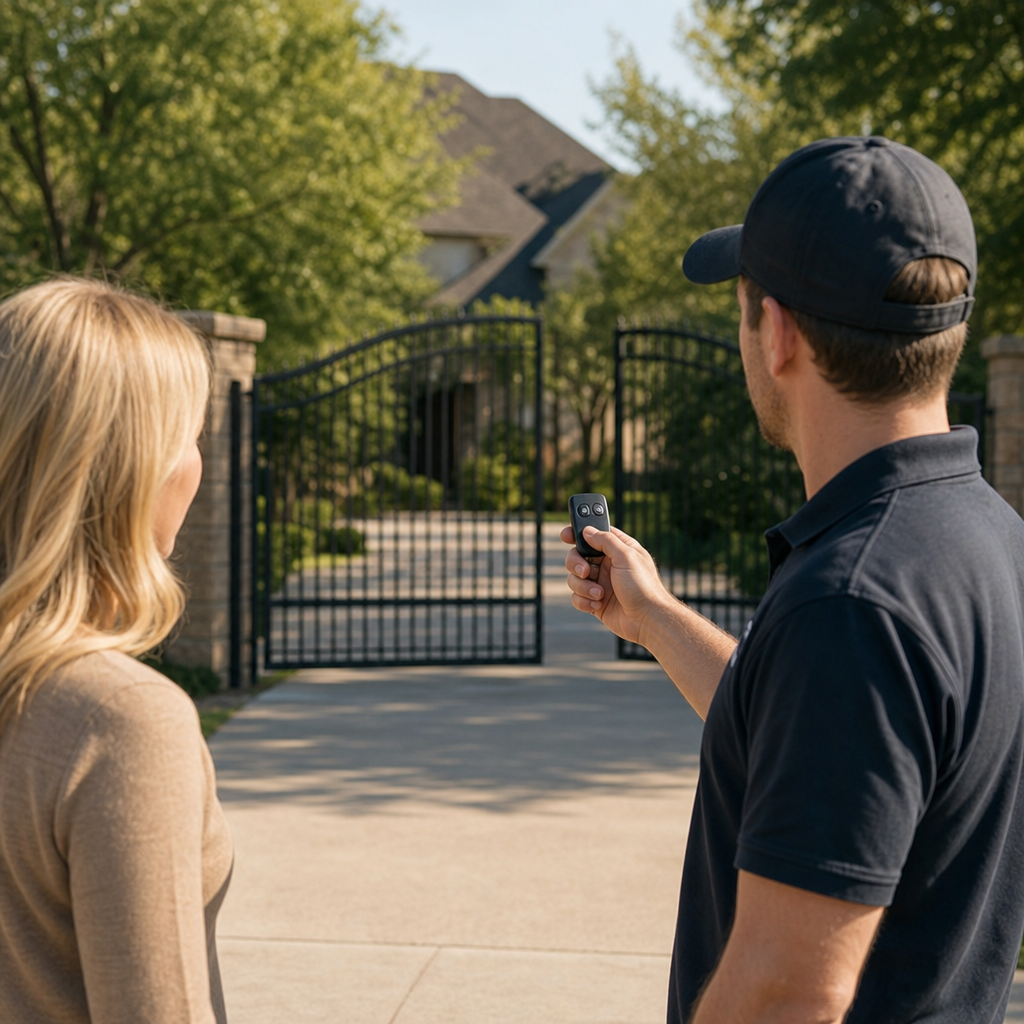
Gate operators are designed to stop or reverse movement if safety sensors detect an obstruction in the gate pathway.[2]
Checking for Obstructions
- Verify that the path of the gate is clear of vehicles, debris, and physical blockages.
- Ensure safety sensor lenses are clean and unobstructed by dirt or debris.
Testing Alternative Controls
If the gate does not respond to a remote, testing an alternate control or another programmed remote may help determine whether the operator is responding to access signals or held by a safety lockout.
Step 4: Reprogramming the Remote
If a remote loses communication with the operator, it may need to be reprogrammed.
Consult Model-Specific Instructions
Programming procedures vary by model. Refer directly to your gate operator or radio receiver manual for the correct programming sequence, as button configurations and steps differ across manufacturers.
Step 5: Test Keypads and Alternative Access Points
Testing other access methods can help identify where the failure lies.
Isolating Remote Faults
Testing an alternative control, such as a hardwired keypad, wall switch, or a second programmed remote, helps narrow the problem toward the remote or receiver. However, it does not conclusively rule out other operator faults.
Inspecting Power and Wiring
Inspect receiver power or wiring only when safe to do so. If the receiver lacks power, shows damaged wiring, or requires replacement, seek professional assistance to avoid electrical and mechanical hazards.
Gate Automation Systems and Receiver Types
Gate systems utilize different receiver designs and coding formats:
- Fixed-Code Systems: Use switch settings to match the remote to the receiver.
- Rolling-Code Systems: Transmit changing coded signals between remote and receiver for secure access.
Always consult the specific manufacturer documentation to verify compatible replacement parts and programming requirements.
When Professional Gate Repair Is Required
When basic remote troubleshooting does not resolve the issue, professional evaluation by a team like Ironworks Gate Co. is recommended.
What Professional Technicians Address
- Cabinet access, internal wiring, and high-voltage circuit diagnostics.
- Receiver replacement and internal board repairs.
- Mechanical inspection of moving gate mechanisms and safety components.
Frequently Asked Questions About Gate Remote Repairs
Why is my gate clicker working only when standing close to the gate?
Possible causes include a weak battery, physical obstructions, receiver antenna issues, or local radio-frequency interference. Replace the battery and verify polarity first, then check for potential sources of interference near the gate.[3]
What should I do if a new battery does not fix the remote?
Test another programmed remote or an alternative control, such as a keypad. Refer to the operator or receiver manual for model-specific reprogramming steps. If the issue persists or involves receiver wiring, seek professional assistance.
Can external conditions affect remote operation?
Physical obstructions in the gate path, dirty sensor lenses, or environmental interference may prevent the gate from operating normally when a signal is sent.
Need gate remote not working?
We’re available now - call for a fast, free estimate.
Sources
- Service Bulletin PRELIMINARY INFORMATION – static.nhtsa.gov (2014)
- Ensuring powered doors and gates are safe – hse.gov.uk
- Remote Control | Fix Poor Signal and Interference Issues – support.chamberlaingroup.com
Related reading: Commercial Gate Access Systems | Call Now-10% Off | Same-Day Service | Free Estimate
Related reading: Commercial Gate Repair – Call Now-10% Off – On-Site in 60 Minutes – Free Estimate
Related reading: Stuck Gate Repair Richardson Tx | Call Now-10% Off | On-Site in 60 Minutes | Free Estimate
Frequently Asked Questions
How can I tell if the gate receiver board is broken rather than just the remote?
If multiple programmed remotes stop working simultaneously while a hardwired keypad or interior push button still operates the gate, the radio receiver board is likely defective. Because testing receiver electronics requires working inside high-voltage control boxes, contact Ironworks Gate Co. for same-day diagnostic testing and board replacement.
Can I program a universal remote to work with my driveway gate operator?
Yes, universal remotes can work if they match your gate system's specific operating frequency and coding type, such as fixed DIP switches or rolling-code encryption. If you need help finding compatible hardware or syncing security codes, Ironworks Gate Co. can supply and configure manufacturer-approved replacement remotes.
Why does my gate remote suddenly lose its programming memory?
Remotes typically lose their memory due to voltage spikes, severe radio interference, or failing logic board memory chips after power outages. If manual reprogramming steps fail to restore communication, Ironworks Gate Co. can inspect your operator to determine if a surge damaged the receiver board.
About the author
 |
Sarah Miller Sarah Miller is a specialized content writer focusing on home and commercial security infrastructure, with a particular emphasis on automated gate systems. With five years of experience writing for property management and home improvement publications, she breaks down complex repair and pricing information into actionable advice. Sarah holds a B.A. in Communications from the University of North Texas. |
Gate not opening, off track, or opener dead?
We’re available now - call for a fast, free estimate.
Call Now - Free Estimate